How to fix your online menu
Published by KaliNova AI
A diner finds your restaurant on Google Maps, taps Menu, and opens a photo of last year's menu. The price is blurry, the dishes have changed, and there’s no way to tell whether the menu belongs to your Garia outlet or your Kasba outlet. The kitchen may be doing everything right. The diner still has to call to find out what’s for dinner.
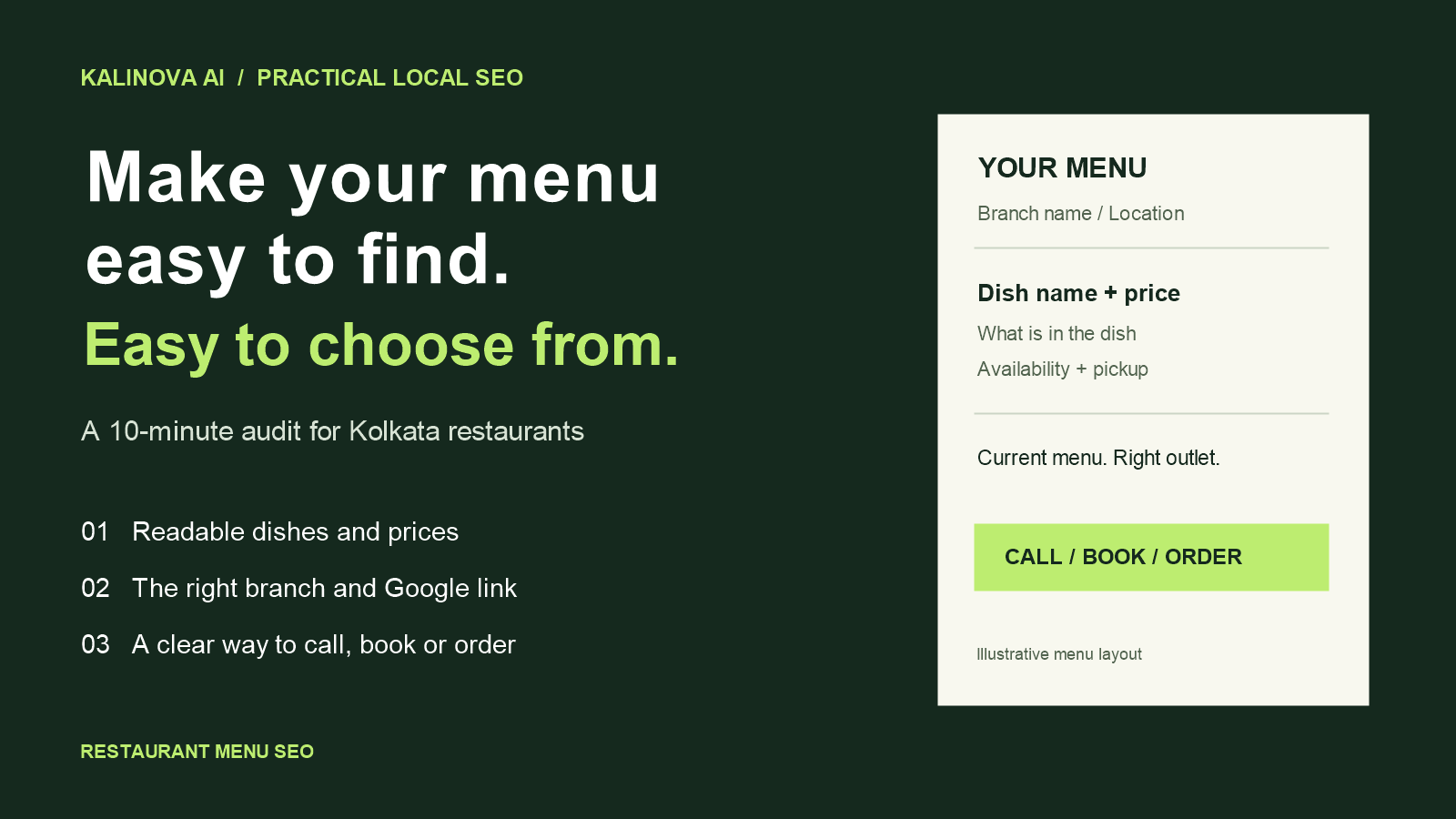
Restaurant menu SEO means publishing your dishes, prices and branch details in a format diners and search engines can read. Start with a mobile-friendly menu page on your website. Then link the relevant Google Business Profile to that page and check which menu customers actually see in Search and Maps.
Run this 10-minute menu audit
Open your website and Google listing on a phone. Try these checks as if you were ordering for the first time.
| Check | What to fix if it fails |
|---|---|
| Can you reach the menu from the homepage in one tap? | Add a clearly labelled Menu link to the main navigation. |
| Can you select and copy a dish name? | If the entire menu is a photo, publish the dish names and prices as page text. |
| Can you tell which branch serves the dish? | Put the outlet name and location near the top. Use branch-specific menus where prices or availability differ. |
| Does the menu link on Google open the right page? | Update the link and check the public listing again after the change appears. |
| Can you book a table, call or order from the menu? | Put the action your outlet actually supports close to the menu. Test the tap on a phone. |
If you find several problems, fix the wrong branch link or stale menu first. A cleaner layout can wait while customers are seeing the wrong prices.
Build a menu page you can update before service
Start with one stable address, such as /menu. Use ordinary headings for the sections your guests expect: breakfast, starters, mains or combos. Write each dish name and price as text, with a short description where it helps a guest decide. Give the menu a visible place on your homepage and outlet page.
Google can index PDFs. The practical reason to use a web page as your main menu is that you can format it for phones, add branch and ordering links, and update a single item without asking customers to download a new file. Keep a PDF download if your guests use it for printing or sharing. Google’s indexable file types
A Kolkata menu example
Suppose a takeaway counter in Naktala has “Combo 03” on its menu. Anyone who hasn’t ordered it before has to guess what comes in the box. Here’s how the same item could read on the website. The name, price and availability below are illustrative.
Veg noodles with chilli chicken (3 pieces) · ₹179
Wok-tossed veg noodles with three pieces of chilli chicken.
Available for evening pickup at the Naktala counter.
Put the dish name first, then the details that affect the order. “Three pieces” tells the guest more than “chef’s special”. “Evening pickup” tells them when and how they can get it. If your guests also read Bengali, add the Bengali name alongside the English name where it helps them recognise the dish.
For a single outlet, one menu page is usually enough. If two branches share the same dishes but differ in prices, hours or pickup options, give guests a clear way to choose the branch and link each Google listing to the correct menu. If they genuinely share one menu, a single page with clearly labelled outlet links can do the job.
Connect your menu to Google Search and Maps
- Sign in with the account that manages your Google Business Profile.
- Open the outlet’s profile and go to Edit profile → Business information → Contact → Menu link. Add the relevant menu URL and save it.
- If Edit menu is available, check the sections, item names and prices displayed on Google. Where multiple menu sources appear, review the Full menu tab and choose the current version as preferred if Google offers that control.
- Open the public listing on your phone after the update appears. Check the outlet, menu link and displayed prices. Repeat for each branch.
Google’s guidelines call for a representative menu and say the menu URL cannot link directly to a third-party ordering or delivery service. If you take orders through a delivery partner, give diners a separate Order online link on the menu page. Google’s menu editor instructions · Business Profile menu guidelines
Give someone ownership of menu changes
Decide who updates the website and checks the Google listing when the kitchen changes a price, pauses a dish or launches a Puja special. An accurate menu is much easier to maintain when that job belongs to a named person. For a limited menu, show the dates and participating outlets near the top. When it ends, update the page so someone opening a saved link can find the current menu.
Measure whether the menu is doing its job
Record the menu URL and the date you make changes. In Google Search Console, filter the Performance report to that URL and review impressions and clicks for dish, cuisine and menu searches. In your website analytics, track taps on call, booking or ordering buttons. Treat a tap as an action on the page. Confirmed reservations or orders need their own tracking.
Compare similar periods and note unusual events such as Puja, a paid campaign or a temporary closure. If more people find the menu but few tap to book or order, open it on a phone again. Check whether the price, branch, availability and next action are clear before spending time rewriting dish descriptions.
Frequently asked questions
Will menu SEO improve my Google Maps ranking?
A complete, accurate menu helps customers see what you serve and decide whether to visit. Google says local results mainly depend on relevance, distance and popularity. Evaluate menu improvements alongside the rest of your local presence. Google’s local ranking guidance
Can I keep my QR-code menu?
Yes. Point the QR code to your current menu page. Keeping the same URL when you change prices or dishes lets you reuse the printed code.
Which menu should I fix first if I have several branches?
Start with the outlet whose public listing sends diners to the wrong menu or shows the most outdated information. Test the fix on that outlet before rolling it out to the others.
Want a second pair of eyes on your menu?
Send KaliNova AI your menu link and Google Maps listing. Include the outlet name if you have more than one branch. Ask us about a focused review of your menu’s clarity, branch information and next steps. You can also see how we approach local and technical SEO in Kolkata.